Analytics and records
Volume, strength over time and personal records on charts. History stays on the phone when you have no connection, and synchronises once you are back.
Gainflow is a workout tracker for iOS, Android and the web, with an AI coach that reads your training history. Barbell work and the kilometres from a run, ride or walk in one profile. The journal is free forever, with no ads.
Most apps run either the gym or the running. Here strength training, running, cycling and walks land in the same history, the same calendar and the same weekly goal.
| Day | Exercise or activity | Gym | Outdoors | |
|---|---|---|---|---|
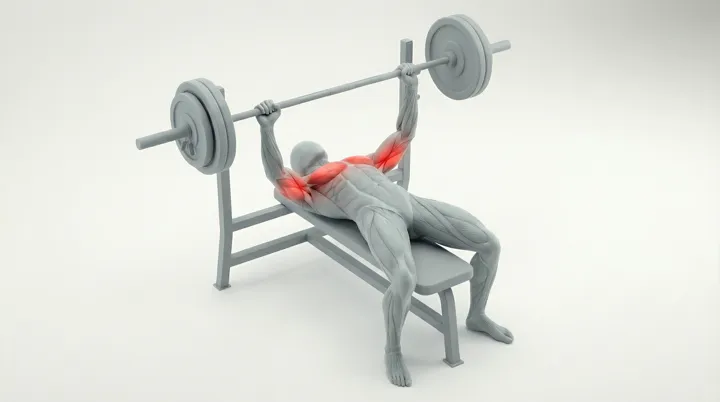
| Mon 14.09 | Barbell bench pressRECORD | 85 kg × 5 | 3 sets | |
Your previous result sits next to the field you type the new one into, so you read progression right in the row, without digging through history. Ticking a set starts the rest timer by itself, and volume and set count add up in the header. Gainflow catches records on its own and shows them in the summary once you finish the workout. | ||||
| Tue 15.09 | Run | 8.42 km | 5:22 /km | |
You start recording and go. The route draws itself on the map while distance, time, pace, elevation, speed and calories add up in the background. Only you see the start and the finish, until you decide otherwise. Morning run15 September 2026, 07:35 8.42 kmDISTANCE 45:12TIME 5:22 /kmAVG PACE 128 mELEVATION 11.2 km/hAVG SPEED 612KCAL | ||||
| Wed 16.09 | Deadlift | 140 kg × 3 | 4 sets | |
| Thu 17.09 | Cycling | 24.1 km | 21.4 km/h | |
| Fri 18.09 | Barbell squatRECORD | 120 kg × 5 | 5 sets | |
| Sat 19.09 | Walk | 6.10 km | 1:08:40 | |
You set the goal per week or per month, and it ticks itself off whenever you log anything. A walk counts the same as a gym session, so one counter shows how much you actually move. The order is the same as in the app: month header, goal card, and only below it the grid. The planning sheet comes in over the screen, exactly like on the phone. | ||||
| Week summary | Volume18,420 kg | Distance38.6 km | ||
Progress analytics, supplements and the exercise database — all in the same free plan.
Volume, strength over time and personal records on charts. History stays on the phone when you have no connection, and synchronises once you are back.
Scan the barcode and Gainflow pulls the name and the brand. The ring shows how much is left in the tub.
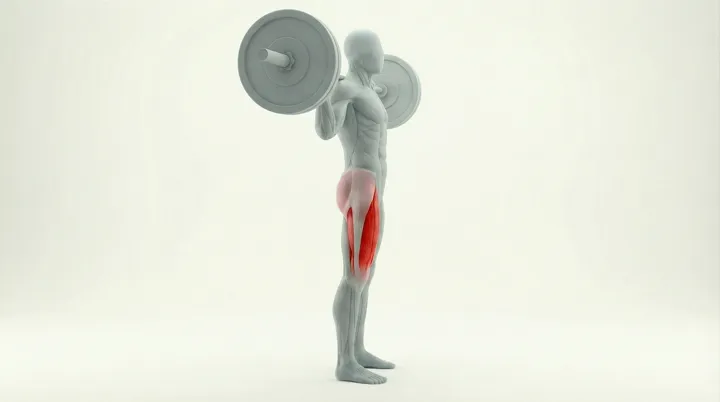
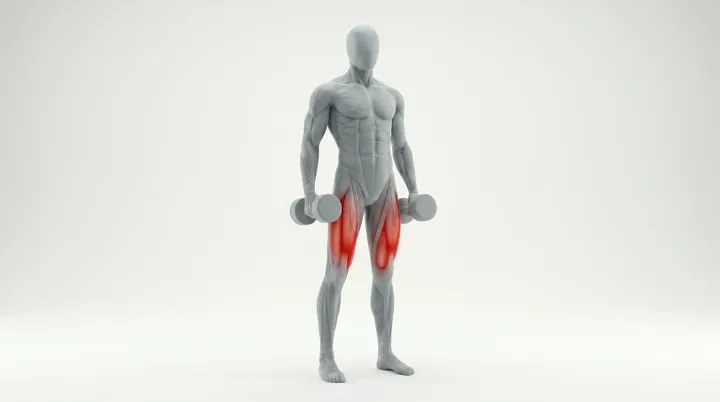
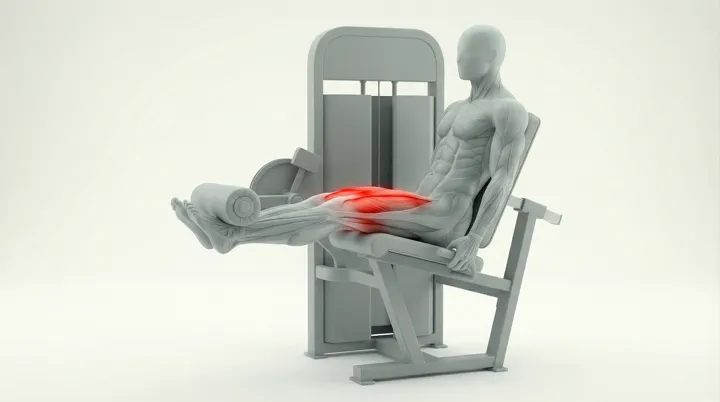
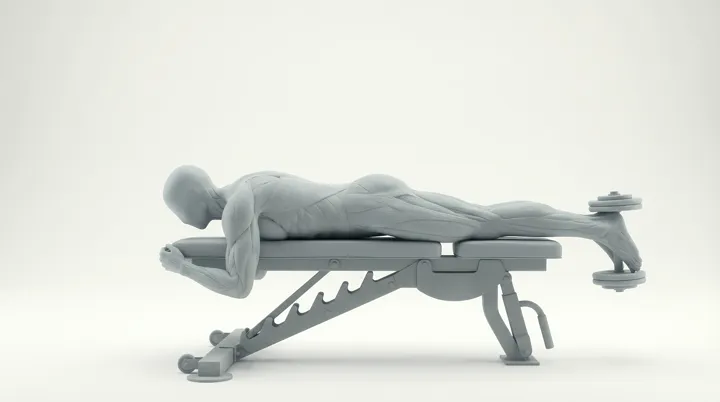
A ready list with muscle groups, plus your own exercises if yours is not on it.
The plan comes out of your real workouts, not out of a template. You give the number of days, the goal and the place, and the AI matches the rest to what you already lift. The coach sees your logged sessions and activities, so the question "why did I stall on the bench" has something to stand on.
Let us personalise your training plan based on your preferences
Extra notes
Gainflow AI can make mistakes
Build me a training plan, 4 days a week. Goal: build muscle mass. Training place: at the gym. Experience level: intermediate.
Your 4-day mass split is ready. Here is the layout:
Open plansYou drop a recording of one set into the chat. Instead of a number from 0 to 100 you get one of five verdicts, from great technique to a warning about injury risk, plus the moments on the video timeline where something went wrong.
5 tokens for one video analysis
Rate my technique from the video I sent.
Depth and tempo are even through the whole set and your back is stable. Your knees cave in on the fourth and fifth rep. Push them out and drop 5 kg.
You set the distance, the number of proposals and the character of the route, and Gainflow draws the variants along real roads. You pick one and go. You can also draw the route yourself.
1 token per proposal. Saving a route is free.
Gainflow has a community tab, but it is not built around it. Every logged workout gets its own visibility setting — you can keep it private, show it to followers or post it publicly. By default nothing leaves your journal.
Comments
Gainflow reads steps, active calories, body mass, sleep and resting heart rate, and writes back workouts, body mass, height and body fat. Raw samples stay on your device — only a daily summary goes to the server.
Last sync: 8 minutes ago
Data types
The sync window is 30 days. Raw samples stay on the device.
Everything that is the journal — workouts, GPS activities, history, goals and supplements — is free, with no limits and no ads. AI features run on a token pool: 10 a month on the free plan, 50 a week on Gainflow Plus and 100 a week on Gainflow Max. Paid plans raise the pool and unlock part of the coach features; the cost per action is the same in every plan — 1 token for a message to the coach, 3 for a generated training plan, 5 for a video technique analysis. Plus and Max prices depend on your region — the App Store and Google Play show the current amount before you buy.
Training journal, GPS activities, history, goals and supplements. No limit and no ads.
Tokens for AI features on the free plan. The pool refills itself once a month.
That is what a message to the coach, generating a plan and a video technique analysis cost.
A dashboard for personal trainers: the plans, progress and messages of your clients, who train in the free Gainflow app.
"The app turned out to be great motivation to get back to training. It looks really nice and the progress tracking system is fantastic. The interface is intuitive and never overwhelming."
"Great app, it has everything you need to track your training progress. Highly recommended!"
"A solid app, it makes training much easier."
"Great app with plenty of different workout suggestions. Very clear and simple to use, and being able to follow other users and their progress is extra motivation."
"I recommend this app. It is free and has a great set of exercises."
"An absolute must have at the gym, and it is free."
"This app is a great tool for tracking training progress. It keeps me motivated and helps me stay consistent."
"A very good app for tracking progress at the gym. Highly recommended."
"Good even when I train at home."
Three steps, and none of them can be sped up by paying. The volume chart has a shape after the third workout.
No card and no trial. You create the account in the app or in the browser.
Pick an exercise from the database, type the weight and the reps. Next time the previous result will be waiting.
After three workouts the volume chart already has a shape, and records start piling up.
The four questions that come up most often, each answered in one paragraph. The longer list lives in the FAQ.
A progressive overload tracker is a fitness tool that monitors your strength gains over time by tracking increases in weight, reps, or sets. Gainflow helps you achieve progressive overload by tracking your personal records for every exercise, making it easy to see when you're ready to increase the weight or reps.
The best gym log apps combine easy workout logging with detailed analytics, personal record tracking, and cloud sync. Gainflow gives you all of that free, with no ads and no limits — 300+ exercises, your own custom exercises, and social features included. The AI coach runs on a separate token pool: 10 tokens a month on the free plan.
Tracking workouts provides objective data on your progress, helps you achieve progressive overload for muscle growth, prevents plateaus, and keeps you motivated by visualizing improvements.
Gainflow is a free workout tracker with no ads, and no hidden costs. Unlike other apps that charge for basic features, Gainflow offers unlimited workout logging, personal record tracking, analytics, creating custom exercises and social features at no cost.
The first set takes a dozen seconds. The chart shows up after the third workout.